Single-Use License
For use on single web site
Instant Download
Multiple-Use License
For use on multiple web sites
Instant Download
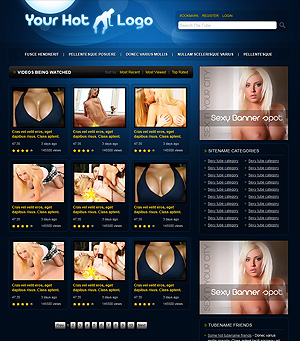
“BangTube” is our WordPress tube solution that lets you create your own adult tube site in quick, easy and intuitive way as it should be! We spent a lot of time polishing and optimizing the theme, loading it with features and options to gain the look of the real tube website.
Check our live demo to see what you get.
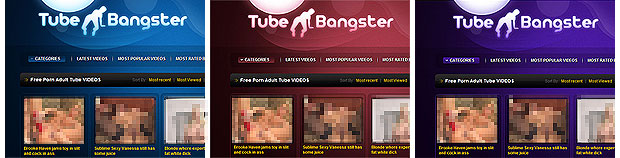
BangTube theme features:
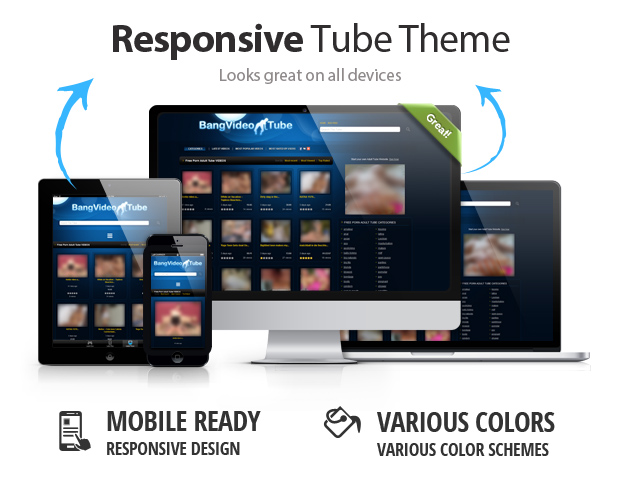
- Mobile / Responsive design with 1200px and 4 thumbs in a row. Looks great on all devices and screen sizes.
- 3 color schemes (Blue, Red, Violet)
- Fully widgetized theme gives you a full control over various ads spots, managing categories and placing links.
- Custom fields for video import. Simple list of custom fields for instant import of videos. We recommend to use WP SCRIPT plugin. You can also use any CSV importer and others available plugins.
- Custom widgets for your sidebar: “Show most viewed videos”, “Categories in two columns”, “Custom menu”.
- 4 Custom menus enabled at the Top, Footer, Sidebar.
- Dropdown categories list.
- Sort videos by most recent, viewed, rated.
- Google plus button attached and social sharing links with shareshis service that will help your tube to spread the word!
- Pagination: wp-pagenavi, Ratings: wp-postratings, Video views: wp-postviews ready!
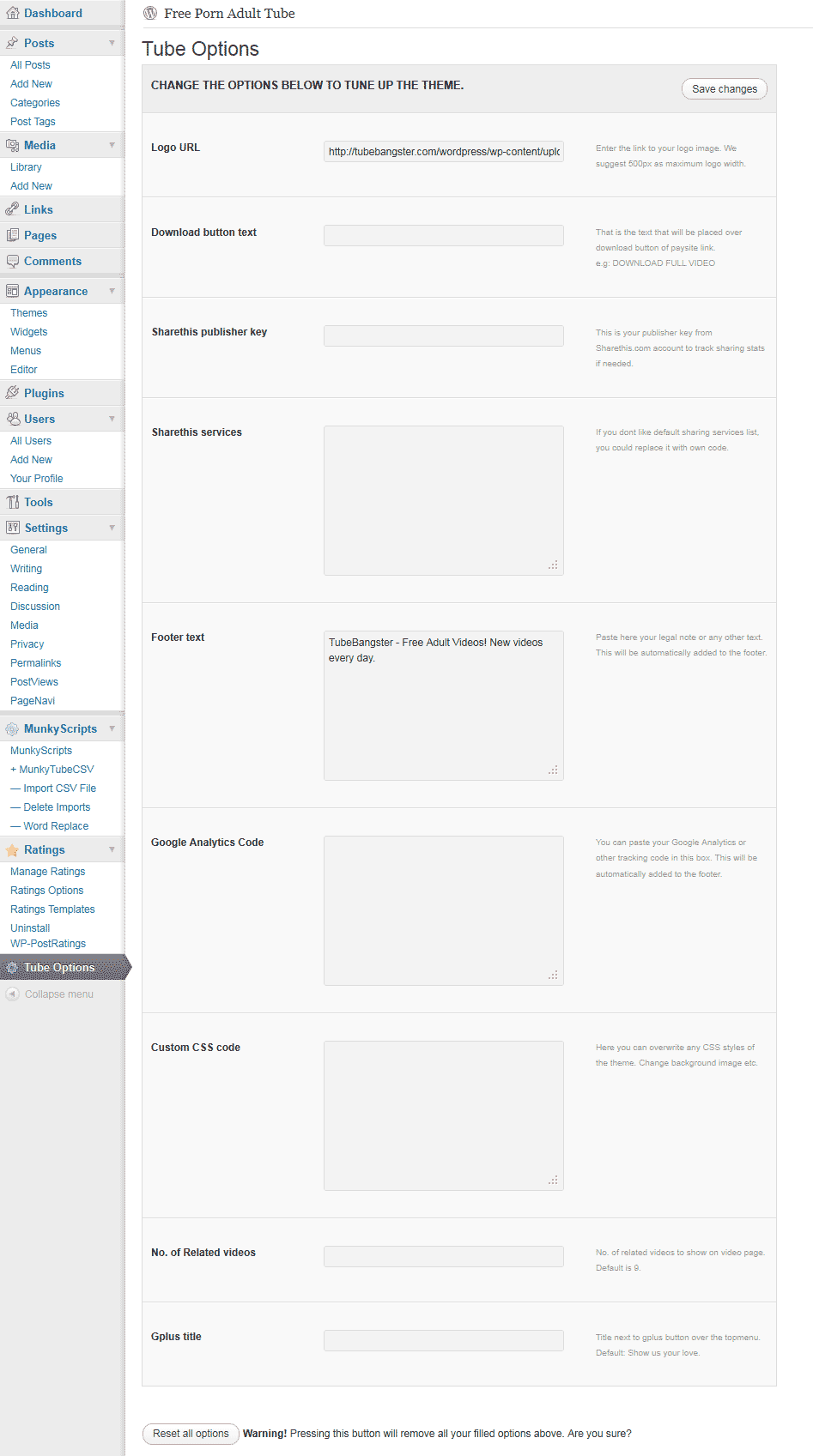
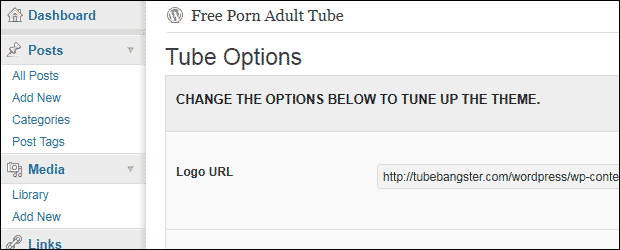
- Custom admin panel for tuning up your tube theme. Change logo, CSS, Add analytics code, change no. of related videos and others.
- and many others…
Choose your color scheme
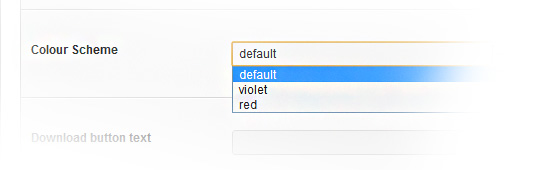
We have prepared 3 color schemes to choose right from theme’s option panel:
- Deep Blue(default)
- Red passion
- Violet mysterious
Add videos the easy way
You have a few and most recomended ways to add videos using our simple list of custom fields.
1. Automatically Import videos using SCV import plugins.
2. Manually add videos. You can always add tube videos manually as list of custom fields remains the same.
Custom fields for video import:
- bt_thumb – thumb image.
- bt_duration – video time length.
- bt_paysite – affiliate link.
- bt_flv – flv file.
- bt_embed – embed code
- bt_model – model name
- bt_2257 – 18 USC 2257 statement url
Basic steps to setup the theme.
- Upload the theme and simply activate through wordpress themes panel.
- The theme is set to use default values and only if you need to tune it up you could start adding and changing various options or you could directly start importing videos using CSV importing plugins and our defined custom fields.
- Normally it is a good idea to start adding widgets, menus and placing ads. All that can be done using default wordpress functionality from widgets and menus panel.
- If you want your site look exactly as our demo, you will need to download and activate a few plugins which are: wp-pagenavi (Pagination), wp-postratings (Ratings), wp-postviews (Video views)
- Remember that you can always contact us if you would have any related questions.
Tune up the theme with custom options.
Contact us if you need any help: support [at] bangthemes.com